Choose the document
Start with the type you need, then narrow it to an industry template.
 Clear Invoice
Get Clear Invoice
Clear Invoice
Get Clear Invoice
Document workspace for Chrome
Turn a purpose-built template into a polished invoice, receipt, quote, proposal or order. Edit every detail in Chrome, then export the file you need.

33purpose-built templates
13industry categories
3editable export formats
1focused browser workspace
Simple workflow
Start with the type you need, then narrow it to an industry template.
Edit fields directly on the page. Add your logo, signature, colors and line items.
Download a PDF, editable Word document or structured Excel workbook.
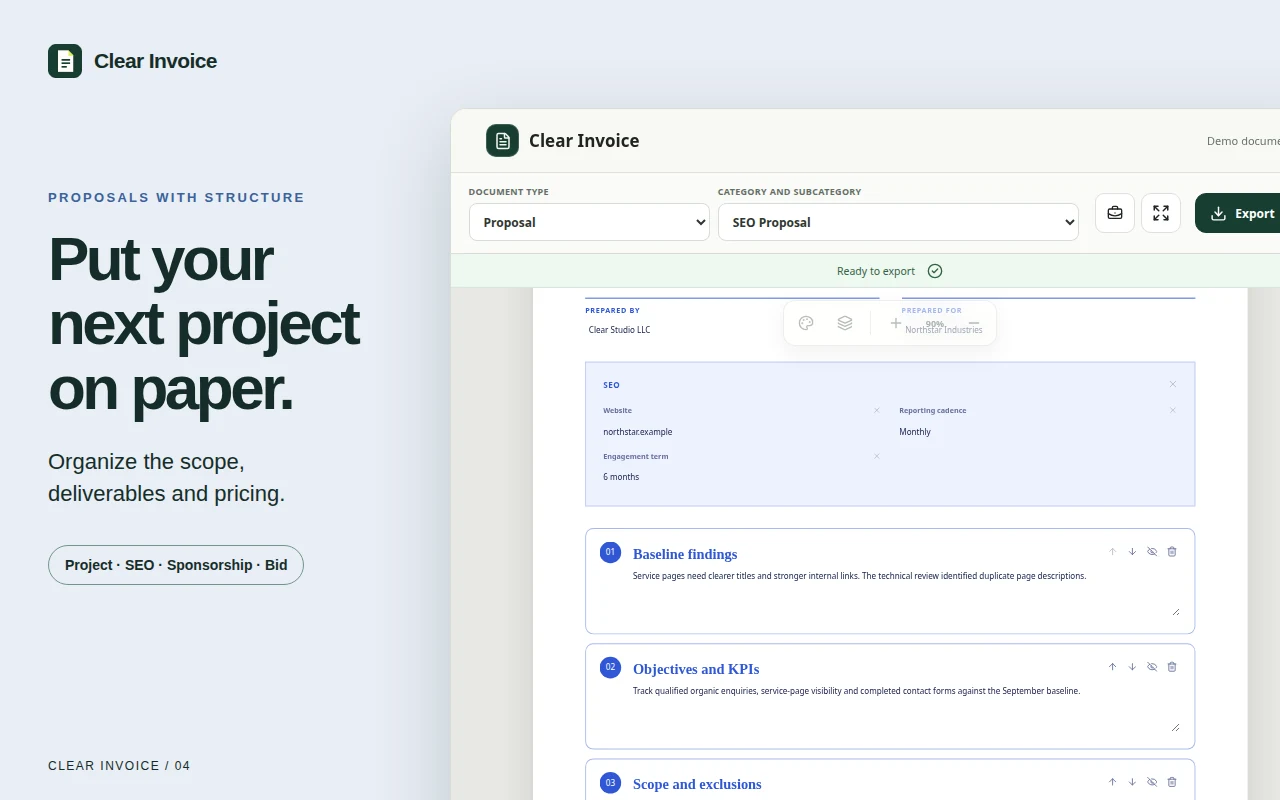
More than invoices
Create receipts, quotes, estimates, purchase orders, payroll registers and proposals without forcing every job into the same layout.
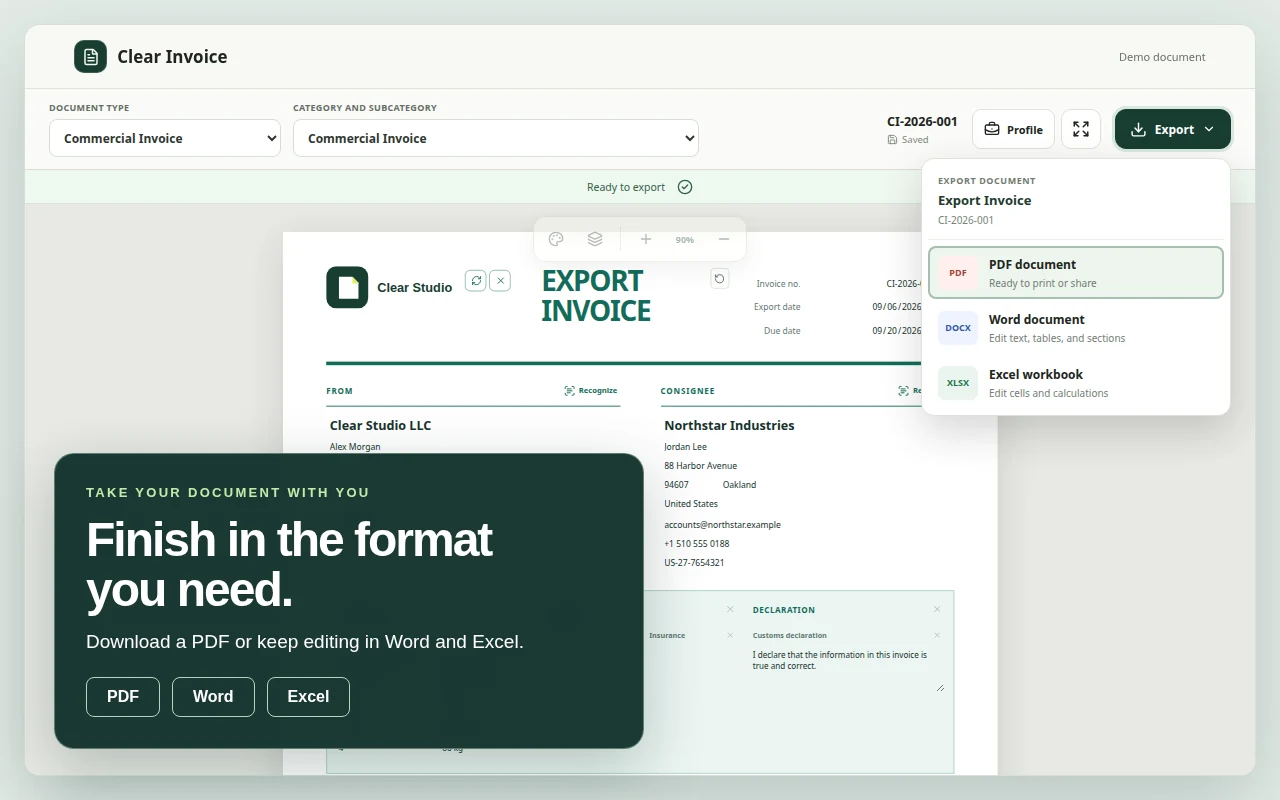
Your file, your next step
Send a bounded PDF, continue in Word, or work with formulas and structured cells in Excel. Exports remain useful outside the extension.
Template library
Details, fields and sections change with the job, so you spend less time rebuilding the document.
Service date, address and itemized work.
Vehicle, mileage, technician, parts and labor.
Property, rental period and lease reference.
Vendor, delivery, payment and approval details.
Scope, timeline, exclusions and investment.
Findings, roadmap, deliverables and pricing.
Optional recognition
Choose a business, customer or item region and review the recognized fields before applying them. Only the source you submit is sent to the configured AI provider.
Recognition is optional and begins only when you select it. Always review extracted details before using the document.
Privacy by design
Drafts, profiles and preferences are stored in the extension’s browser storage.
Usage events describe product actions, never document text, parties, amounts, images or payment details.
Recognition sends only the image or text you explicitly choose for processing.
Common questions
No. The extension stores its current draft and reusable profile locally in your browser.
No. It creates documents. Payment details and statuses are entered by you; Clear Invoice does not process or verify transactions.
Word and Excel keep the document structure, colors and editable content. Decorative background images are omitted.
No. Recognition shows a preview. You choose whether to apply the extracted fields to the selected document region.
Clear Invoice for Chrome
Chrome Web Store link will be added after publication.